
Plan backup power around what your home actually needs
The HomDera backup power section is for people who want to keep essential devices running during an outage without buying equipment based on guesswork. It explains how to approach batteries, UPS systems, inverters, portable power stations, generators and solar equipment from the practical needs of a home rather than from product advertising alone.
The guides cover battery capacity, realistic runtime, internet access during an outage, inverter losses, generator safety, solar power, essential household loads and safer installation planning. The aim is to help you define the problem first, estimate the energy requirement and only then compare suitable equipment and costs.
HomDera provides general information and preliminary planning guidance. Permanent wiring, transfer equipment, electrical panels, generators, solar systems and high-capacity battery installations should be designed, installed and checked by appropriately qualified professionals.
Topics covered in the backup power guides
Main home energy and backup power topics
| Topic | What the guides explain | When it is useful |
|---|---|---|
| Essential home backup | How to prioritise internet access, lighting, phone charging, computers, heating controls, refrigeration and other important loads | When you need to decide what should continue working during an outage |
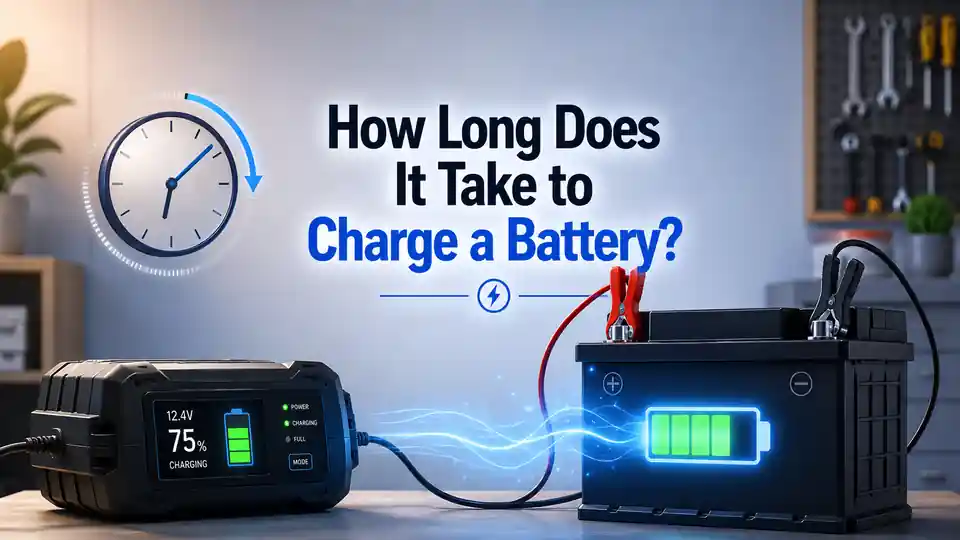
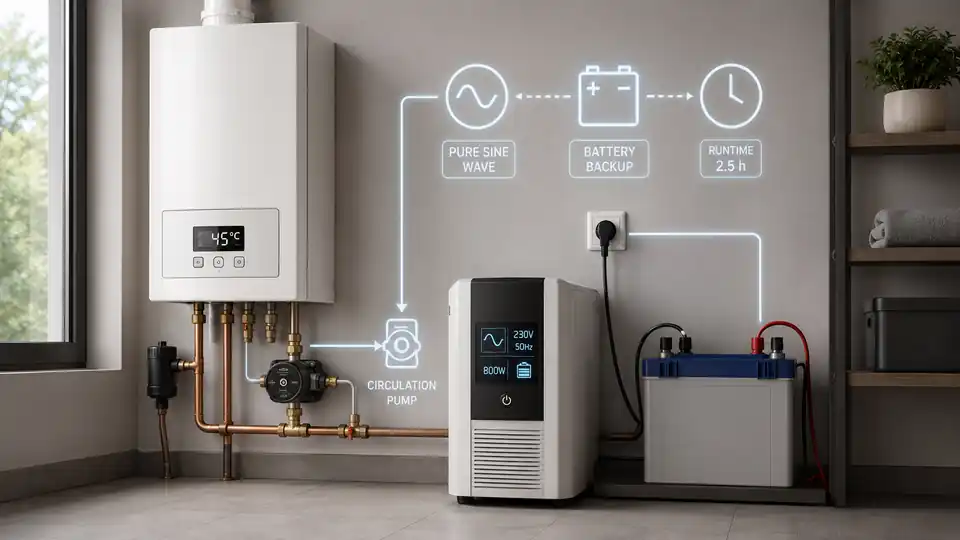
| Batteries, UPS systems and inverters | Usable battery capacity, expected runtime, inverter losses, discharge limits and sensible capacity margins | When you need to estimate how long a backup system may support your devices |
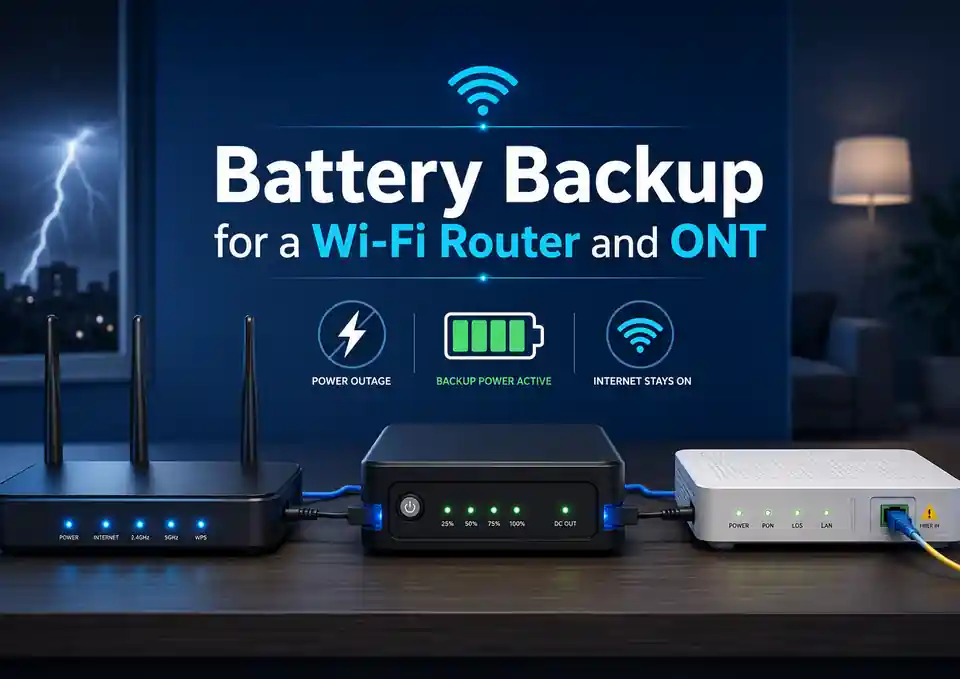
| Internet access during an outage | Mini UPS units, power banks, router voltage, fibre equipment and common connection mistakes | When a reliable internet connection is important for work, communication or home services |
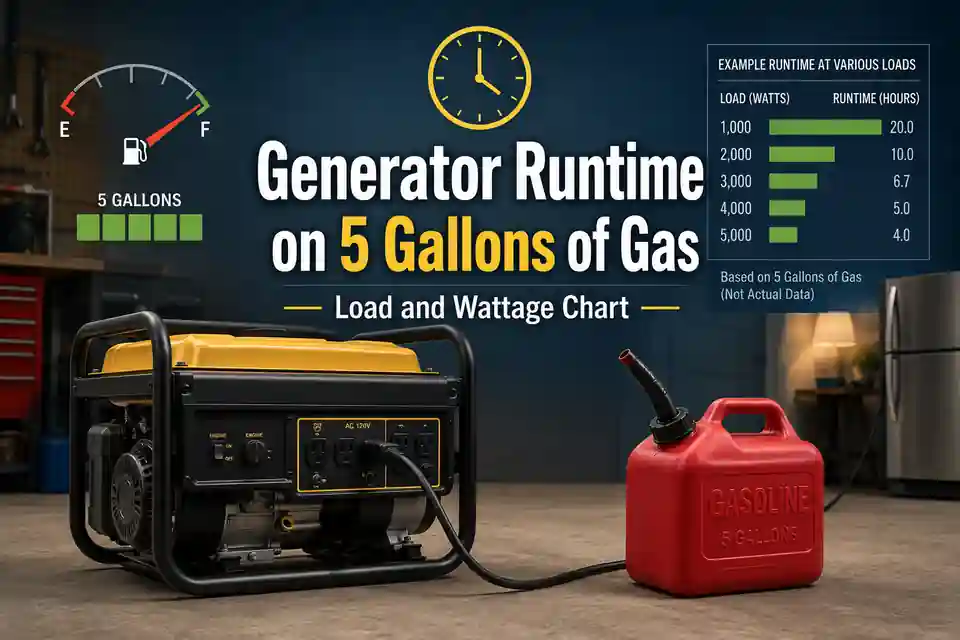
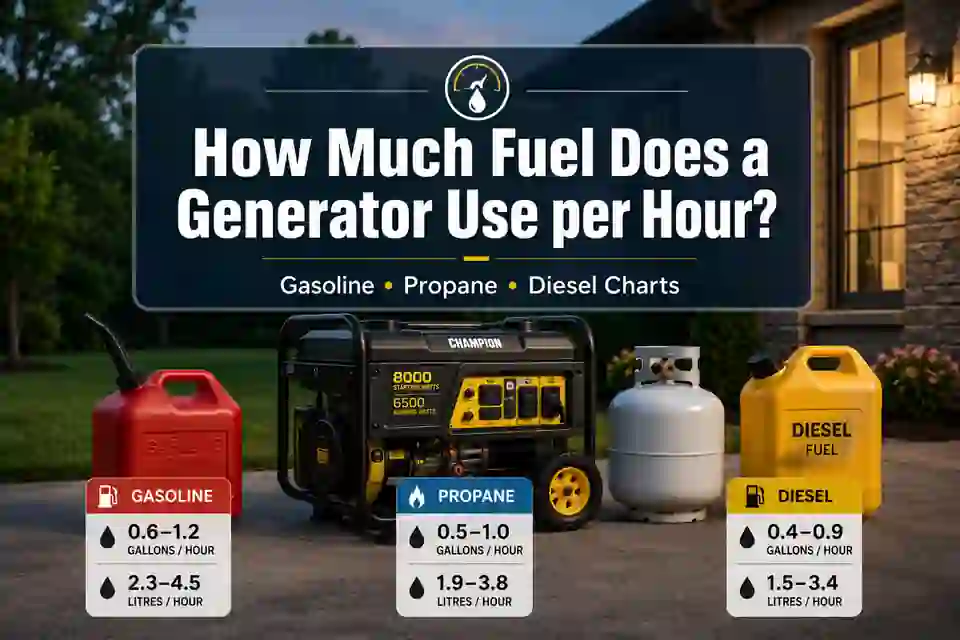
| Portable and standby generators | Carbon monoxide risks, outdoor placement, ventilation, noise, fuel storage and safer connection methods | When a fuel-powered generator is being considered for a house, workshop or small business |
| Solar power and battery storage | Solar array size, household consumption, seasonal generation, battery storage, installation and local requirements | When you are comparing rooftop solar or a hybrid energy system for a home or business |
Where to start when preparing for an outage
A sensible backup power plan starts with appliances, not with the largest battery or inverter in the shop. First decide what genuinely needs to operate: a router, a few lights, phone chargers, a laptop, heating controls, a refrigerator, medical equipment or another essential device.
- List the devices that genuinely need power during an outage.
- Check the rated power of each device in watts using its label, manual or manufacturer specifications.
- Decide how many hours each device should operate from backup power.
- Separate essential loads from optional ones instead of trying to power everything at once.
- Estimate the total energy requirement before comparing batteries, UPS systems, inverters or portable power stations.
- Use a qualified professional when equipment must connect to household wiring, an electrical panel, a heating system or other fixed installations.
Reducing unnecessary loads can make a backup system smaller, less expensive and easier to manage while also extending its useful runtime.
There is no single backup power solution for every home
One household may only need a mini UPS for the router, a power bank and several rechargeable lights. Another may require a battery and inverter for heating controls, refrigeration or a home office. A larger property or small business may instead consider a generator, solar panels, battery storage or a system that combines several power sources.
The right choice depends on the operating scenario rather than the product name. Important questions include what must run, how much power it requires, how long it should operate, whether any device has a high starting load, where the equipment will be installed and how it will be connected safely.
What a well-planned backup system can provide
A clear list of essential devices that should remain available during an outage.
A lower risk of buying a battery, UPS or inverter that cannot support the actual connected load.
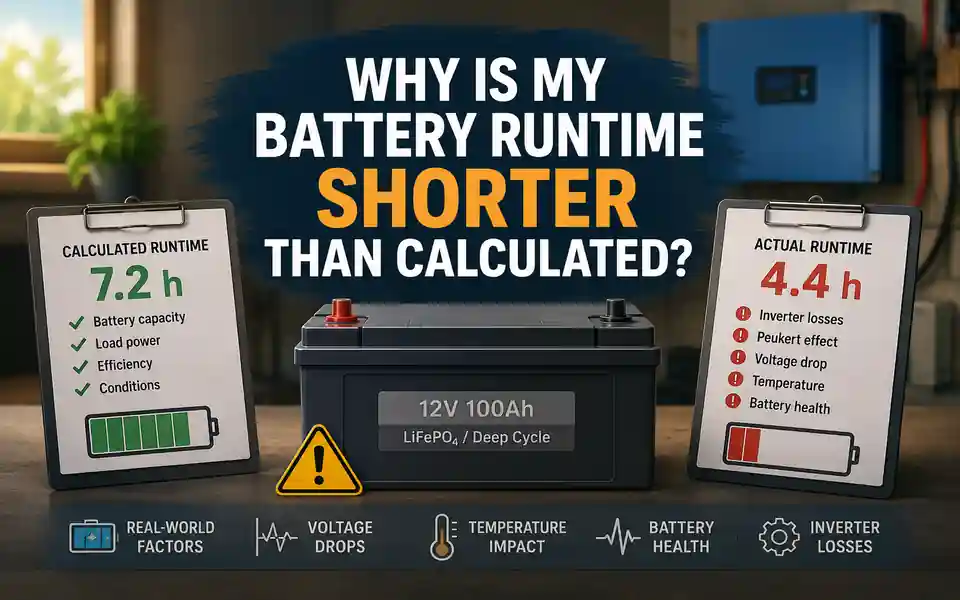
A more realistic runtime estimate that includes conversion losses, usable capacity and operating conditions.
Better attention to electrical protection, ventilation, equipment placement, cable sizing and professional installation.
Common sources of confusion in backup power planning
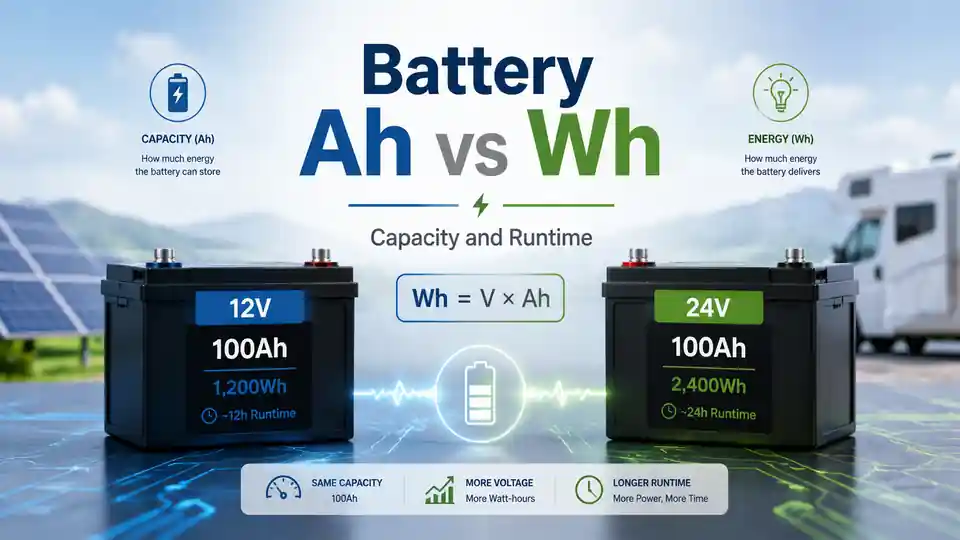
Backup power can feel confusing because similar products are described using different measurements and technical terms. Batteries may be rated in amp-hours or watt-hours, inverters in watts or volt-amperes, and complete systems in kilowatts or kilowatt-hours. Comparing the wrong figures can lead to unrealistic runtime expectations or equipment that is poorly matched to the intended load.
What each part of a backup power system does
| Component | Main purpose | Important details to check |
|---|---|---|
| Battery | Stores energy that can be used when the normal power supply is unavailable | Battery chemistry, voltage, rated and usable capacity, discharge limits, cycle life and operating conditions |
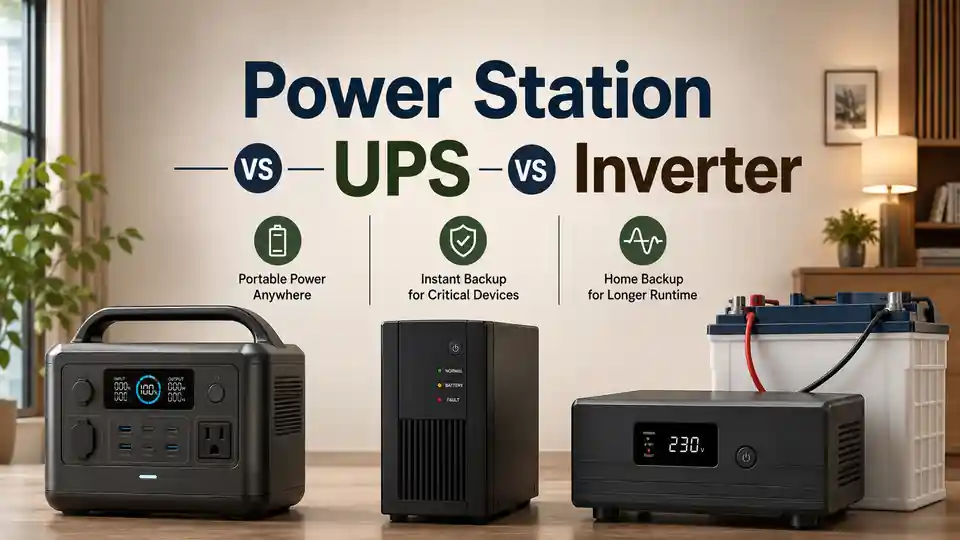
| UPS system | Keeps compatible equipment powered when the main supply fails and can provide automatic changeover | Output capacity, waveform, transfer behaviour, battery runtime and compatibility with the connected devices |
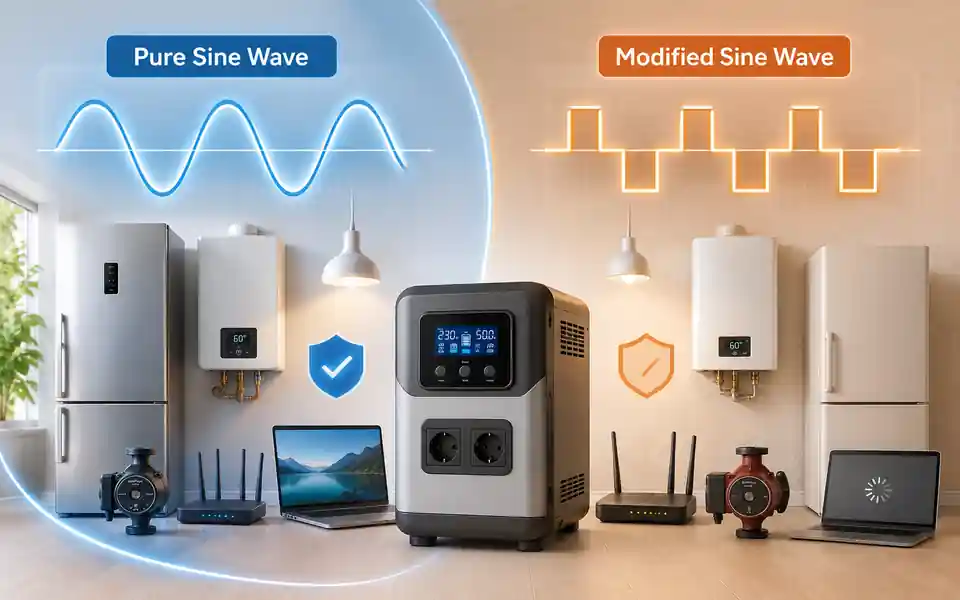
| Inverter | Converts battery power into the type of electricity required by compatible household equipment | Continuous and surge capacity, waveform, efficiency, protection features and installation requirements |
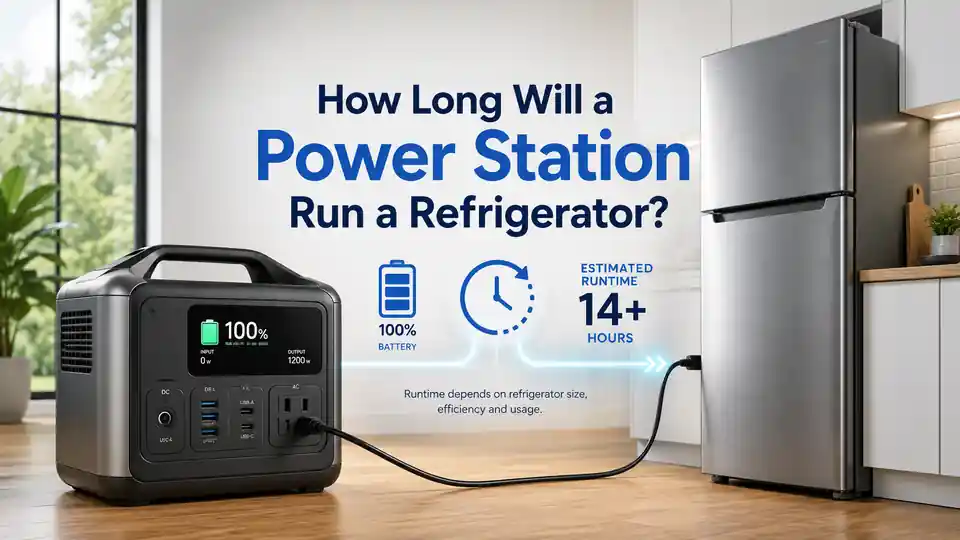
| Portable power station | Combines a battery, inverter, charging system and outputs in one portable unit | Usable energy, output limits, charging time, battery chemistry, port selection and expansion options |
| Generator | Produces electricity from fuel for longer or higher-power backup applications | Carbon monoxide safety, outdoor placement, fuel, noise, maintenance, output quality and connection method |
| Solar panels | Generate electricity from sunlight for direct use, battery charging or connection to a wider energy system | Array size, seasonal output, inverter compatibility, shading, roof condition, installation and local regulations |
Never connect a generator, inverter or UPS system to household wiring using an improvised method. An unsafe connection can damage equipment, create a fire or electric shock risk, and send power back into wiring that may be expected to be de-energised.
When professional help is necessary
You can complete much of the early planning yourself by listing devices, checking their power ratings, deciding on a target runtime and comparing general equipment types. Professional support becomes important when the solution affects fixed wiring, safety systems, high-power appliances or permanent electrical infrastructure.
- when an inverter, UPS or battery system must connect to fixed household wiring;
- when backup power will support heating equipment, pumps, refrigeration, medical devices or other important loads;
- when a generator will be connected to a house, workshop, office or commercial property;
- when the electrical panel, circuit protection, transfer equipment or dedicated circuits need to be changed;
- when solar panels, a hybrid inverter or permanent battery storage are being planned;
- when the condition of the wiring, grounding, circuit capacity or electrical protection is uncertain.
HomDera can help you understand the main calculations and prepare useful questions, but it cannot verify the wiring, grounding, ventilation, installation conditions or legal requirements at a specific property.
Frequently asked questions about home backup power
What should I buy first for a power outage?
Begin with a load and runtime plan rather than a product. Identify the devices that must operate, check how many watts they use and decide how long they need to run. A router, several lights and phone charging require a very different solution from refrigeration, heating equipment or a complete home office.
Can a battery power an entire apartment or house?
Whole-home battery systems are possible, but they are larger, more complex and more expensive than backup for selected circuits or devices. In many homes, prioritising internet access, lighting, refrigeration, charging, computers and essential heating equipment provides a more practical balance between cost, capacity and runtime.
Can I operate a generator on a balcony or inside a building?
No. A fuel-burning generator must not be operated on a balcony, inside a home, in a garage, in a hallway or in another enclosed or partly enclosed space. Generator exhaust can contain deadly carbon monoxide. The unit must be used outdoors, away from doors, windows, vents and occupied areas, in accordance with the manufacturer’s instructions and local safety guidance.
Does reducing electricity use improve backup runtime?
Yes. A lower connected load normally allows a battery or UPS system to operate for longer and may reduce the size and cost of the equipment required. Energy efficiency and backup power are related but different: efficiency reduces ongoing consumption, while backup power keeps selected devices available when the normal supply is interrupted.
Learn how HomDera prepares its guides, estimates and safety notes